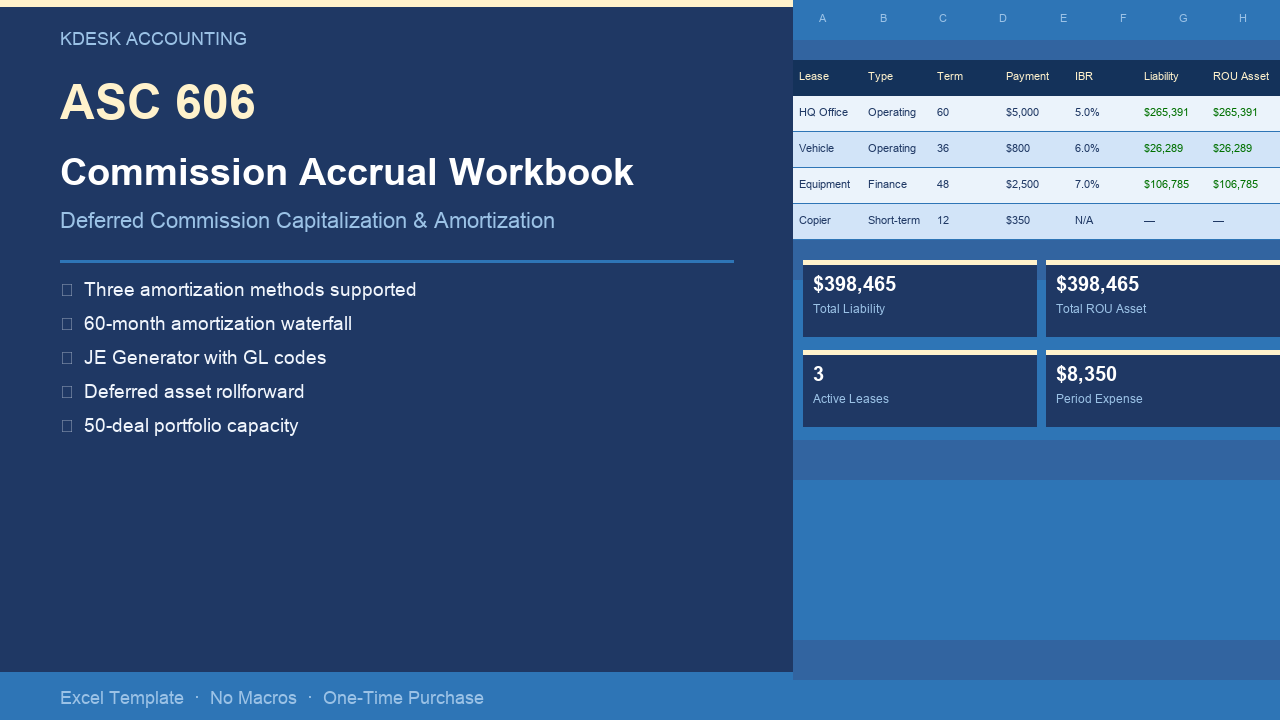
If you’re capitalizing sales commissions for the first time, or your current spreadsheet breaks every time a deal renews, this workbook handles the math correctly and produces audit-ready output. $79, one-time purchase. No subscription. No macros.
What’s in the Workbook
Seven tabs, each with a specific job. You enter data in Setup and the Commission Register; every other tab calculates automatically.
Setup
Company name, fiscal year start, reporting period selector, and GL account codes. Every downstream tab reads from Setup. Change the reporting period once; the entire workbook shifts. GL account codes are configurable — your journal entries reference your actual chart of accounts, not hardcoded placeholders.
Commission Register (50-deal capacity)
One row per deal. Inputs: deal name, commission amount, payment date, contract start date, contract term (months), and amortization type. Three amortization types supported:
- Immediately Expensed — practical expedient for contracts ≤ 12 months
- Contract Term — amortize over the stated contract length (most common)
- Estimated Benefit Period — amortize over the expected customer relationship, including anticipated renewals
The deferred commission asset and monthly amortization calculate automatically from your inputs. No formulas to write.
Amortization Waterfall (60-month schedule)
Month-by-month amortization table showing beginning balance, current period expense, and ending balance for each deal. Dynamic period selection — change the reporting period in Setup and the waterfall shifts to show the correct columns.
JE Generator
Three journal entry categories for the selected reporting period:
- Commission Capitalization — DR Deferred Commission Asset / CR Cash or Accrued Commissions
- Amortization Expense — DR Commission Expense / CR Deferred Commission Asset
- Immediately Expensed — DR Commission Expense / CR Cash or Accrued Commissions
GL account codes flow from Setup. Journal entry amounts trace directly to the amortization waterfall — no hardcoded numbers.
Deferred Asset Rollforward
Opening balance, additions (new capitalizations), reductions (amortization), and closing balance — aggregated across all 50 deals for the selected period. Formatted for direct use in audit workpapers.
Reconciliation
Confirms the amortization waterfall ties to the JE Generator and the rollforward to $0 variance every period. If the workbook has an error, this tab will show it.
A Worked Example — Three-Deal Capitalization
Three deals with different amortization types:
| Deal | Commission | Contract Term | Type |
|---|---|---|---|
| Acme Corp (3-yr SaaS) | $15,000 | 36 months | Contract Term |
| Beta Inc (1-yr contract) | $3,000 | 12 months | Immediately Expensed |
| Gamma LLC (renewal expected) | $8,000 | 24 months | Estimated Benefit Period (36 mo) |
Month 1 amortization:
| Deal | Monthly Amortization | Remaining Asset |
|---|---|---|
| Acme Corp | $417 | $14,583 |
| Beta Inc | $0 (expensed at payment) | $0 |
| Gamma LLC | $222 | $7,778 |
JE Generator output for Month 1:
Capitalization entries:
DR  Deferred Commission Asset   23,000
    CR  Accrued Commissions               23,000

Amortization entries:
DR  Commission Expense (Amort)     639
    CR  Deferred Commission Asset          639

Immediately expensed:
DR  Commission Expense           3,000
    CR  Accrued Commissions                3,000
All amounts are automatic. You enter the deal inputs; the workbook handles the rest across all 50 deals and all reporting periods.
The Practical Expedient
ASC 340-40-25-4 allows immediate expensing of commissions when the amortization period would be 12 months or less. Mark a deal as “Immediately Expensed” in the register and the workbook routes the commission directly to period expense — no asset capitalization, no amortization schedule. You can use the practical expedient for some deals and not others.
Who This Is For
- Controllers at Series A–C SaaS companies implementing ASC 606 deferred commission accounting for the first time
- Finance managers maintaining a fragile manual spreadsheet that breaks when deals renew or amend
- Companies with 1–50 active deals needing audit-defensible amortization schedules
- Teams preparing for their first audit or audit committee review
- Any finance team spending more than 2 hours per month close on commission accounting
What It Is Not
This workbook handles the commission cost side of ASC 606 (ASC 340-40) — the asset capitalization and amortization. It does not handle revenue recognition under ASC 606 (the 5-step model, SSP allocation, contract modifications, or variable consideration). It is a standalone Excel file — there is no cloud sync, no API, no subscription.
Technical Specifications
| Specification | Detail |
|---|---|
| Deal capacity | 50 deals |
| Schedule length | 60 months |
| Amortization types | Immediately Expensed, Contract Term, Estimated Benefit Period |
| Excel version | 2016, 365, Mac (no macros) |
| File format | .xlsx |
| Formula protection | Locked formula cells, unlocked input cells |
| Price | $79 one-time |
Get the Workbook
Not ready to buy? Try the free 5-deal version — same structure, limited to 5 deals. See how the amortization waterfall, JE Generator, and reconciliation work before committing.
Frequently Asked Questions
Does it handle variable commission rates? Yes. Each deal row has its own commission amount — there’s no fixed rate applied across the portfolio. Enter the actual commission paid per deal.
What if my contracts have renewal terms? Use the “Estimated Benefit Period” amortization type and enter the total expected benefit period (original term + expected renewals) in the period field. The workbook amortizes over that full period.
Does it work on a Mac? Yes. Pure Excel formulas — no VBA macros, no Windows-only features. Works on Excel 2016, Excel 365, and Excel for Mac.
What if a deal gets cancelled or amended? For cancellations, zero out the remaining commission balance and post a reversing journal entry. For amendments, add a new deal row with the updated commission and term. Document your accounting policy in your footnotes.
What’s the difference between Contract Term and Estimated Benefit Period? Contract Term amortizes over the stated contract length. Estimated Benefit Period amortizes over the expected customer relationship — useful when customers typically renew, making the benefit period longer than any single contract. Both are acceptable under ASC 340-40; the choice is a policy election that should be consistent and documented.
What if I have more than 50 deals? Email hello@kdeskaccounting.com — we can discuss a custom build.